Do Your Datapacks Work in Minecraft 26.3?
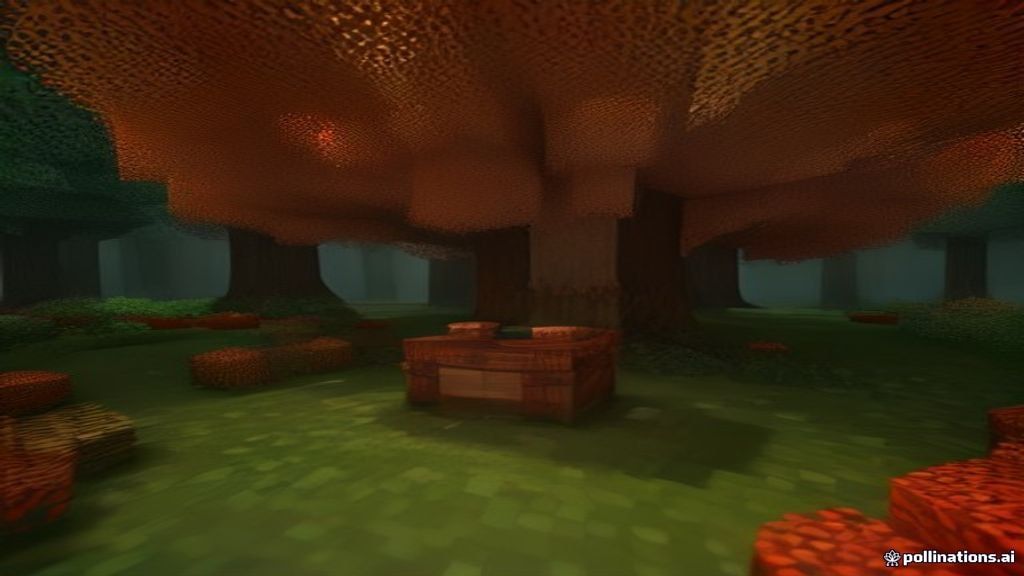
Minecraft 26.3 — the Wilderness Bound drop — lands today, September 15, 2026. It brings the Dappled Forest biome, poplar wood, abandoned camps, cushions, straw beds, and long-requested wool and concrete stairs and slabs. But if you run datapacks, there's a bigger question on your mind: will they still work after the update?
The short answer: probably yes, with a caveat. The data pack version for 26.3 is 109.0, up from 107.1 in 26.2. That's a significant jump from the pack format 48 era of 1.21 that many packs (including ours) were originally built on. Here's what that means and what to do about it.
What is pack_format and why does it matter?
Every datapack has a file called pack.mcmeta at its root. Inside it, a number called pack_format tells Minecraft which version the pack was designed for. When Minecraft loads a datapack, it compares the pack's format against what the current game expects. If the numbers are far apart, Minecraft either shows a warning or refuses to load the pack entirely.
Starting with the new calendar-based versioning (26.1, 26.2, 26.3), Mojang also introduced minor pack formats — small increments for non-breaking changes, with major bumps reserved for changes that actually break things. This means not every format bump is a crisis, but it's worth checking.
How far have we come? Pack format by version
| Minecraft version | Data pack format |
|---|---|
| 1.21 (original) | 48 |
| 1.21.9 | 88.0 |
| 1.21.11 | 94.1 |
| 26.1 | 104.0 |
| 26.2 | 107.1 (breaking) |
| 26.3 (Wilderness Bound) | 109.0 |
That's a long way from 48 to 109. But here's the good news: Minecraft has backwards compatibility for older pack formats. A pack built for format 48 will typically still load on 26.3 — it may show a "made for an older version" warning, but it won't be silently rejected unless the command syntax it uses has been removed or changed.
⛏ Free datapack: all 4 packs — free, no account, vanilla-friendly — browse the hub.
How to check if your datapacks survived the update
- Update to 26.3 through the Minecraft Launcher (set your profile to "Latest release" if you haven't).
- Open your world and run
/datapack listin chat. - Look for your pack's name. If it shows as
[enabled], you're good — even if there's a format warning, the pack is running. - If it shows as
[disabled], run/datapack enable <pack name>and then/reload. - If the pack doesn't appear at all, Minecraft may have rejected it due to a format mismatch or a removed command. Time to update it (see below).
How to update a datapack for 26.3
If a pack won't load, the fix is usually simple: open the .zip, find pack.mcmeta, and change the pack_format number to match the current version (109 for 26.3). Save the file, re-zip everything, and drop it back into your world's datapacks folder.
If the pack uses command syntax that was removed or renamed between versions (this is what actually breaks packs, not the format number itself), you'll need to update those commands too. The pack format reference on the Minecraft Wiki and the technical changelog at misode.github.io list exactly what changed in each version.
Our packs and 26.3 compatibility
Our three packs — HUD+ coords, Auto-Replant, and Vein Miner — use only core command-system features (scoreboard, scheduling, tellraw) that have been stable across every version from 1.21 through 26.3. They were built on format 48 and will load on 26.3 with a format warning, but functionally they work exactly as before.
If you want to silence the warning, you can update the pack_format in each pack's pack.mcmeta to 109. We'll be pushing updated versions with the new format number shortly — but the current downloads work right now.
The bottom line
Wilderness Bound is a builder's dream — new wood, new blocks, new biome — and your datapacks will almost certainly come along for the ride. Run /datapack list after updating, enable anything that's disabled, and you're back in business. For a full troubleshooting checklist if something does break, see our 7 fixes for datapacks that won't load.
Works on 1.21+ through 26.3 · No mods, no launcher changes
Sources: Minecraft.net (26.3 Snapshot 2 article, data pack version 109.0), Minecraft Wiki (Pack Format reference), misode.github.io (Technical Changelog), Minecraft.net (Wilderness Bound announcement).
Read next
© 2026 MineAddons Hub · Blog · All packs · About · Contact · Privacy · Terms · Support