← MineAddons Hub / Blog / Auto Farm, No Mods
Auto Farm in Minecraft Without Mods (1.21 Guide)
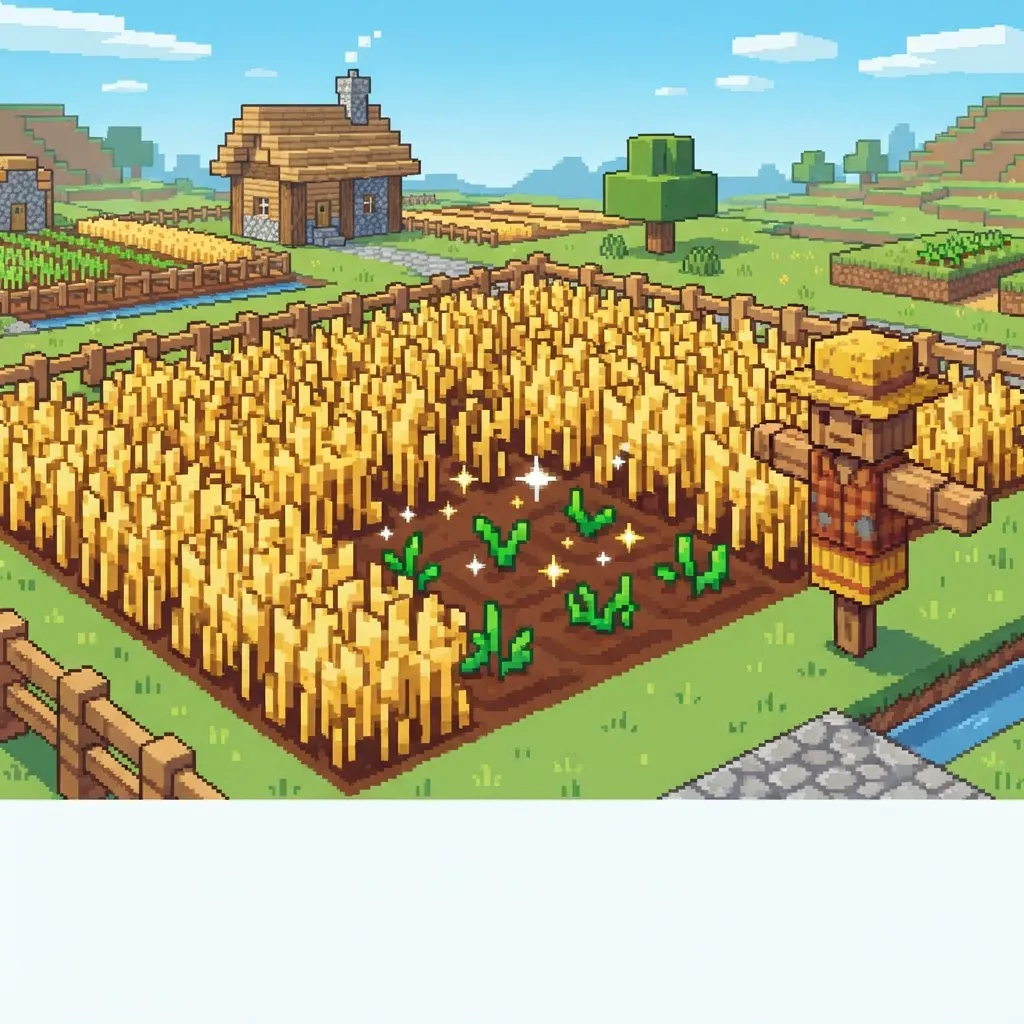
Every survival player knows the loop: walk, harvest, replant, repeat. Forty wheat later you're questioning your life choices. The good news — you don't need mods, plugins, or a village to automate the boring part. A tiny vanilla datapack ends the replant step entirely. Here's the full picture, vanilla options included, honestly compared. (New to datapacks? Start with the 60-second install guide.)
Why farming in Minecraft gets tedious
Harvesting isn't the problem — replanting is. Every crop you break means one more click to seed the same spot again, a half-second at a time, forever. On a small garden it's fine. On the 9×9 mega-farm you built to feed a server, it's a second job.
The tedium exists by design: in vanilla, food is supposed to cost effort. But there's a big difference between "effort" and "repetition" — and replanting is pure repetition.
The vanilla options first: villager farmers & bone meal (honest comparison)
Before datapacks, players automated farming two ways:
- Villager farmers. A farmer villager with a composter will plant and harvest crops inside its boundary. It works — but it needs villagers (beds, workstations, protection), the farm's throughput is limited by villager pathfinding, and half-baked crops get trampled or ignored.
- Bone meal. Accelerates growth, not replanting. You still replant by hand, and bone meal production is its own farm.
Both are real solutions, and many players love building them — villager farms especially are a classic piece of Minecraft engineering. But if your goal is simply "I want to harvest my wheat without replanting it," they're the long way round.
⛏ Free datapack: Auto-Replant — crops replant themselves the instant you harvest. 5 crop types.
The datapack way: break the crop, it replants itself, no seeds consumed
Datapacks are a built-in Java Edition feature — no mods, no loaders. Our Auto-Replant datapack does one thing:
The moment you break a fully grown crop, it instantly replants itself on nearby empty farmland. No replanting clicks. No seeds taken from your inventory — the crop just grows again, pure quality-of-life.
The harvest loop becomes: walk, harvest, collect. Done. The farm keeps producing because it never stays empty.
Which crops work (wheat, carrots, potatoes, beetroot, nether wart)
Auto-Replant covers all five plantable crops:
- Wheat — the bread-and-butter staple
- Carrots & potatoes — replant themselves without needing seed conversions
- Beetroot — soup and rabbit stew supply
- Nether wart — the brewing backbone (more on that below)
That's every standard farm crop in the game. If you can plant it on farmland or soul sand, the pack handles it.
The nether wart farming trick on soul sand
Nether wart is usually the most annoying farm in the game: it grows on soul sand, matures in random stages, and replanting means carrying spare wart everywhere. Auto-Replant works on soul sand too — break the mature wart and it plants itself right back into the same spot.
No farmland conversion, no water worries (soul sand doesn't wash away crops), and since nether wart drops 2–4 per mature plant, one plot sustains your whole brewing setup indefinitely. It's honestly the pack's best trick.
Install in 60 seconds
- Download Auto-Replant — keep the
.zipas it is. - Move it to
.minecraft/saves/<your world>/datapacks/. - Open the world and type
/reload. - Break a crop. Watch it replant itself.
Works in single-player, on vanilla servers and on Realms — and since datapacks are server-side, everyone on the world gets it automatically. Full install walkthrough: How to Install a Minecraft Datapack (1.21, 60 Seconds).
While you're automating survival chores: Vein Miner does the same one-click treatment for mining, and our best QoL datapacks list rounds them all up.
Read next
- Vein Mining Without Mods
- How to Show Coordinates in Minecraft 1.21
- Datapack vs Mod: Which Should You Use?
© 2026 MineAddons Hub · Blog · All packs · About · Contact · Privacy · Terms · Support