Datapack vs Mod: Which Is Better? (No Forge)
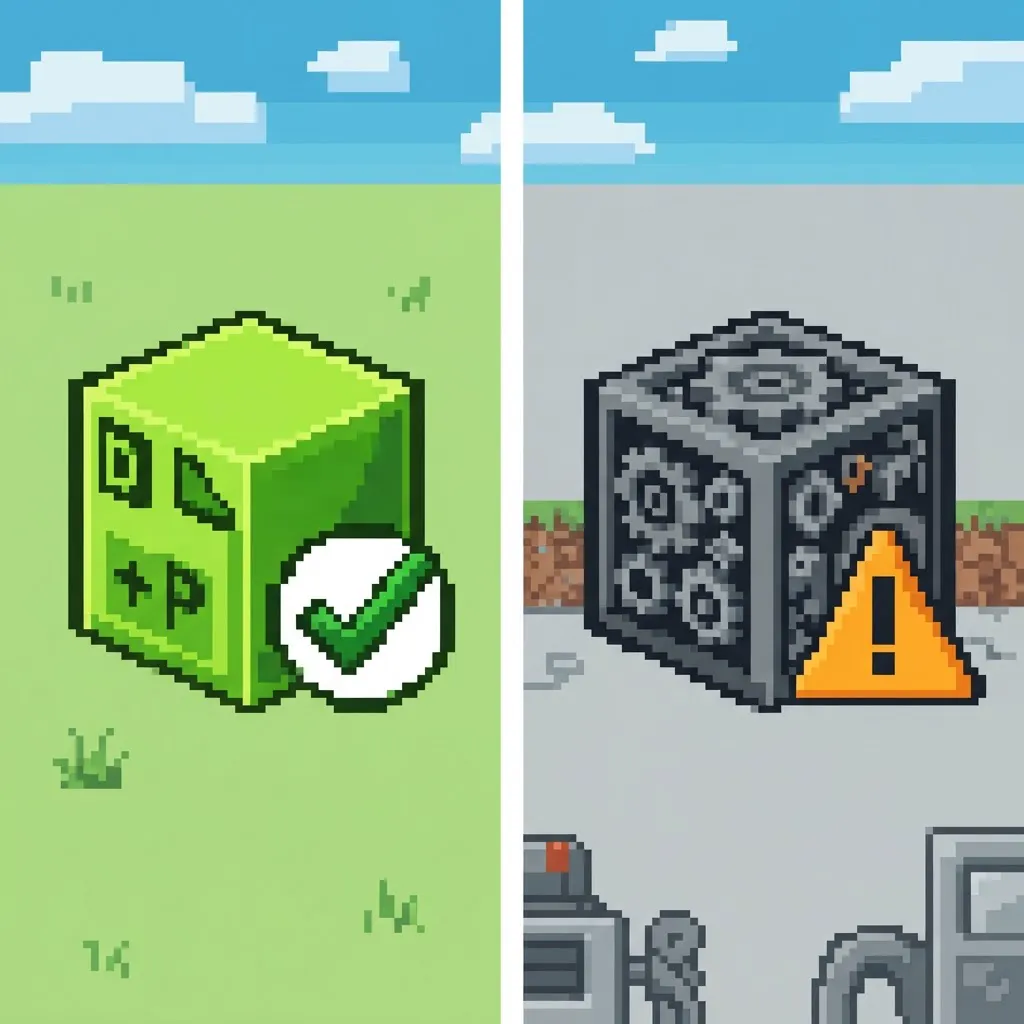
You want Minecraft to do something it doesn't do out of the box. Two roads lead there: a datapack (a vanilla feature) or a mod (community code that hooks into the game). Both have a job — but they're built for completely different things, and picking the wrong one wastes an afternoon. Here's the honest comparison, no hype. (New to datapacks entirely? Read what a datapack actually is first.)
What a datapack actually changes
Datapacks use Minecraft's own command system. They can:
- change or add recipes, loot tables and advancements
- add functions and mini-systems — a coords HUD, auto-replanting crops, vein mining
- modify world rules and behaviors without touching a single game file
- do it all on the server side, so only the host installs anything — friends just connect
That's the sweet spot: small, surgical quality-of-life changes that feel like they should have been in the game already.
What a mod can do that a datapack can't
Mods run real code, so they can add things datapacks fundamentally can't:
- new blocks, items, mobs and dimensions
- new rendering — shaders, new UI, custom animations
- deep mechanics that the command system doesn't expose
If you want new biomes with custom creatures, or a tech tree with machines, that's mod territory, period.
⛏ Free datapack: Quick Home — set a home with /trigger sethome and warp back anytime — 60s cooldown.
Install & uninstall: 60 seconds vs a mod loader
Datapack: download a .zip, drop it into saves/<world>/datapacks/, type /reload. Done — our install guide covers it in four steps. Uninstalling is deleting one file. No launcher changes, no profiles, nothing.
Mod: install Forge or Fabric, match the mod version to your loader version and your Minecraft version, drop it into mods/, hope your other mods are compatible, and repeat for every update. Every player who joins your server needs the same mods installed too.
For a single quality-of-life feature, that's a lot of ceremony.
Safety: why datapacks can't corrupt your world
This is the part most guides skip. Mods execute arbitrary code with full access — which is exactly why mod sites fight malware constantly, and why you should only download mods from trusted authors.
Datapacks can't run code outside Minecraft's own command system. They don't modify the game files, they don't touch your save on disk, and removing the pack returns the world to 100% vanilla behavior. Worst case, a badly written datapack lags a little while it's installed — delete the file and it's gone.
Performance: kilobytes vs gigabytes
A datapack is a few kilobytes of text. HUD+, our coords-and-time HUD, is 1.3 KB — there is measurably nothing to lag. A modded setup, by contrast, routinely eats multiple gigabytes of RAM before you've built anything, plus load times that grow with every mod.
The verdict
- Quality-of-life tweaks (coords display, auto-replant, mining helpers, recipe tweaks) → datapack. Faster to install, safer, lighter, and everyone on the server gets it automatically.
- New content (blocks, mobs, dimensions, mechanics) → mod. Datapacks simply can't go there.
If you're in camp one, start with our three free packs: Vein Miner, Auto-Replant and HUD+ — or see the best QoL datapacks for 1.21.
Read next
© 2026 MineAddons Hub · Blog · All packs · About · Contact · Privacy · Terms · Support