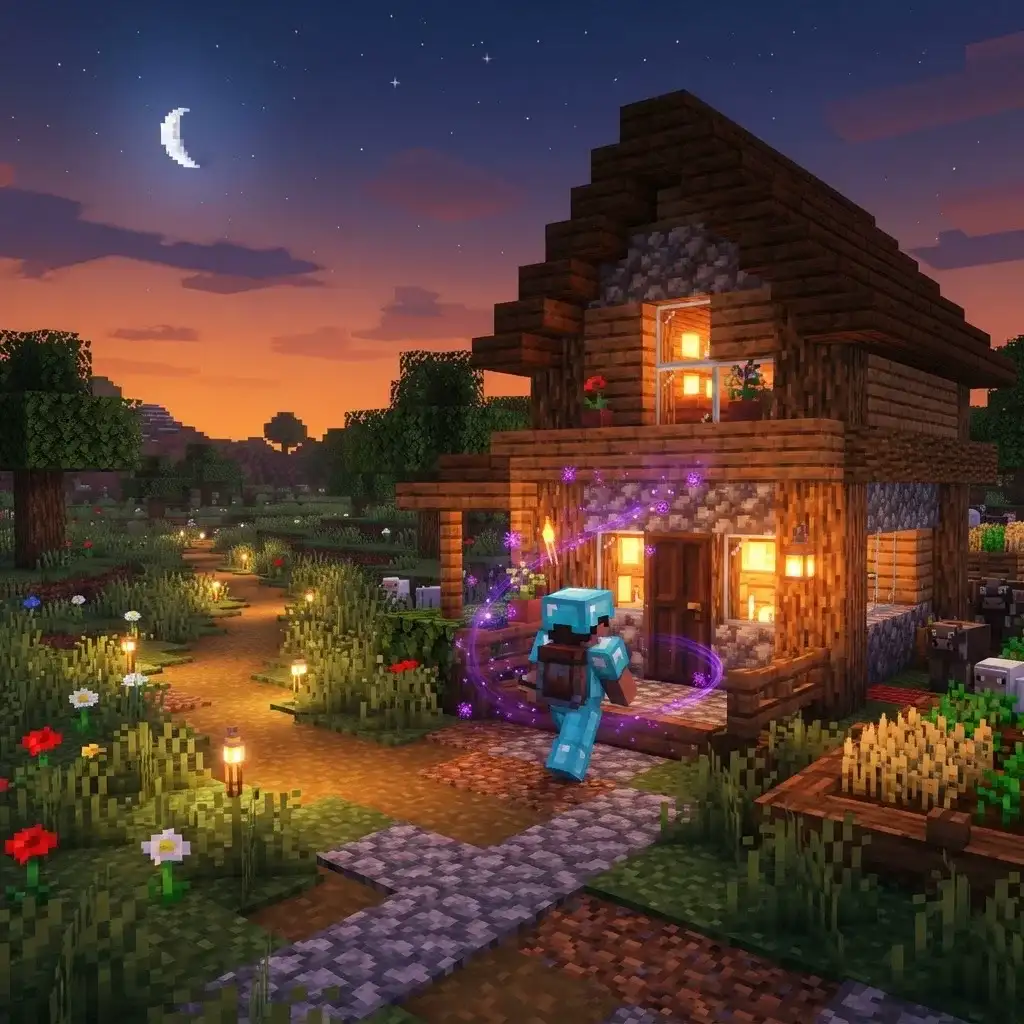
Set your home with one command, warp back anytime.
Built & lint-tested on: Minecraft Java 1.21.x (pack format 48). Big MC update coming? Datapacks usually keep working; we push a fixed version after each release — see changelog below.
New to datapacks? Read the full step-by-step guide: How to Install a Minecraft Datapack (60 Seconds).
.minecraft/saves/<your world>/datapacks//reloadInitial release — sethome/home triggers, 60s cooldown, warp particles & sound, per-player homes.
Download Quick Home — Warp Home Anytime — Free ↓Free · no account · one short sponsor page (Linkvertise), then the .zip downloads.
Vanilla datapacks can't register real commands. /trigger sethome and /trigger home are the standard, fully tab-completable datapack equivalent — works in vanilla survival.
Each player gets a 60-second cooldown after warping — shown in chat if you try early. This keeps it balanced on multiplayer servers.
v1.0.0 homes are Overworld-only — warping across dimensions with stored coordinates can be dangerous, so we ship safe. Multi-dimension homes may come later.
It uses only vanilla mechanics (scoreboards + functions), so it's fair-play. As always, check your server's rules about /trigger commands.
No — homes persist per player in the world scoreboards until you set a new one.
Live X/Y/Z coordinates and world time on the action bar. No F3.
Also grab: HUD+, Auto-Replant and Vein Miner — all free, all vanilla.
From the blog: Installing on a Realm · Datapack Not Working? 7 Fixes