How to Craft and Use Cushions in Minecraft 26.3
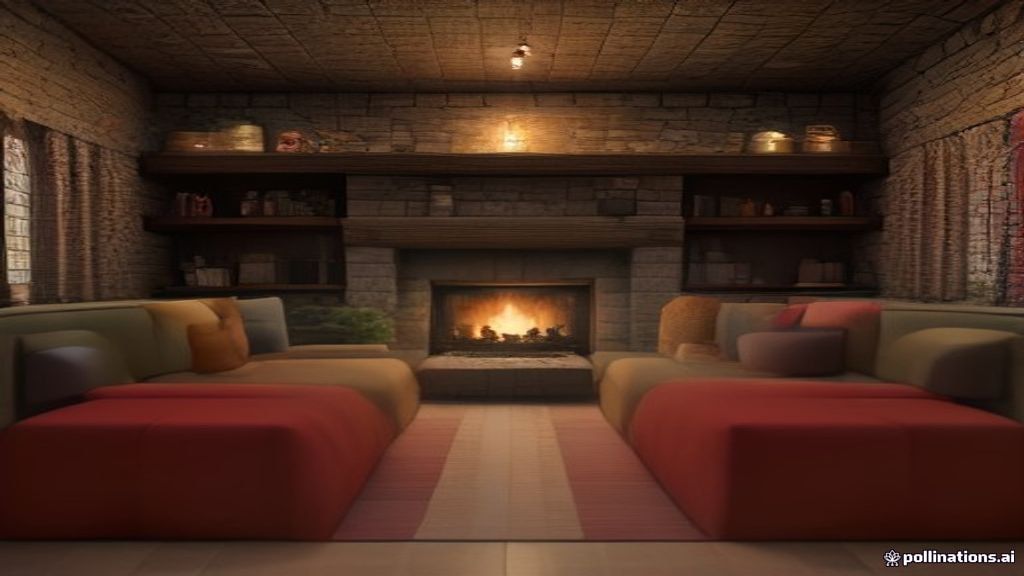
For years, sitting down in Minecraft meant climbing into a boat, hopping in a minecart, or building a stair-and-sign chair that only looked like furniture. The cushion, new in Minecraft 26.3 "Wilderness Bound," is the game's first official answer to that gap. It is a small, craftable wool item that lets any player sit down anywhere, in any of 16 colors, with no mods required.
1. What Is a Cushion?
A cushion is a placeable furniture item that you interact with to sit down. Despite looking like a block, it technically counts as an entity, the same category as paintings and item frames. That means a single hit destroys it, even bare-handed. It has no collision box, which is exactly what makes it so flexible for decoration: you can tuck it onto surfaces where a full block would never fit.
Cushions come in all 16 wool dye colors, from white and light gray through cyan, magenta, and pink. You can craft one in the color you want from the start, or change it afterward by dyeing a wool slab before the final crafting step.
2. Crafting Recipe (Two Steps)
Getting a cushion takes two crafting operations at a crafting table. Both recipes use a horizontal row layout, and both require matching colors.
Step 1: Wool into wool slabs. Place 3 wool of the same color in a horizontal row. This produces 6 wool slabs. Wool slabs are a new block introduced in the same 26.3 update, so you cannot make cushions on older versions.
Step 2: Wool slabs into a cushion. Place 3 wool slabs of the same color in a horizontal row. This produces 1 cushion in the matching color. If your slabs are the wrong shade, combine 1 wool slab with 1 dye at a crafting table to recolor it before crafting the cushion.
| Input | Recipe | Output |
|---|---|---|
| 3 wool (same color) | Horizontal row | 6 wool slabs |
| 3 wool slabs (same color) | Horizontal row | 1 cushion |
| 1 wool slab + 1 dye | Shapeless | 1 recolored wool slab |
3. How to Sit Down
Place a finished cushion on any flat surface and right-click (or interact) to sit on it. Your character enters a sitting animation, and you can still look around and use items within reach. Movement is locked while seated. To stand back up, press the sneak key (Shift by default on Java Edition).
One useful detail: sitting on a cushion blocks knockback, geysers, and piston movement. That means a cushion can double as a safe spot to wait something out, not just a decoration. If a Creeper explodes nearby while you are seated, the knockback will not send you flying, though the explosion damage itself still applies.
4. Placement Rules and Mechanics
Cushions are more flexible than they look. Here is what you need to know before furnishing a whole room:
- Surfaces: Cushions can be placed on slabs, stairs, snow layers, enchanting tables, and any flat surface under one block tall. They always align horizontally to the grid.
- One per cushion: Each cushion seats one player at a time. For group seating, place a row of cushions side by side around a table or campfire.
- Pistons: A piston push destroys the cushion and drops it as an item. It does not slide like a solid block.
- Lava: Cushions have limited health as an entity, so they break after a few seconds in lava.
- Fuel: A cushion can be burned in a furnace as fuel, lasting roughly 10 seconds each. Not efficient, but it works in a pinch.
- Support check: If the block underneath a cushion is removed, the cushion breaks and drops as an item. The game checks for support roughly every 5 seconds.
- Sculk sensors: Cushions do not dampen vibrations. Sitting on one near a sculk sensor will still trigger it.
⛏ Build your dream base faster: Quick Home datapack sets a return point and teleports you back with one command. Perfect for gathering wool across biomes and getting home before nightfall. Vanilla 1.21+, works on servers and Realms.
5. Where to Find Cushions Naturally
Cushions are designed to spawn near campfires inside abandoned camps, the new surface structures that generate across 18 overworld biomes in 26.3. During the snapshot and preview builds, crafting or creative mode is the only reliable way to get one. Once the full abandoned camp structure ships, you should find cushions waiting for you around the campfire when you loot a camp.
Abandoned camps are roughly as common as villages, so keep an eye out for campfire smoke while exploring forests, taigas, meadows, and the new dappled forest biome.
6. Building Ideas with Cushions
- Dining room chairs: Place cushions on oak stairs around a table for a proper seated dining setup.
- Campfire seating: Ring a campfire with cushions in different colors for a cozy outdoor gathering spot.
- Library reading nook: Put a cushion on a spruce slab between bookshelves for a quiet corner.
- Throne room: Stack a cushion on a quartz stair and flank it with banners for a royal seat.
- Multiplayer lounge: Line up 8 cushions in a row so everyone on your server has a seat.
- Color-coded seating: Use different cushion colors to assign seats at a table, like a map marker system.
The cushion fills a gap that has existed since Minecraft launched. It is not a combat item or a redstone component, but it changes how bases feel. A room with cushions is a room you actually use, not just walk through. If you are building in 26.3, crafting a handful of cushions should be part of your furnishing routine.